Click the
"..."
on the right side of theActivities List
bar.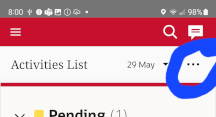
Select
View Parts
on the drop down menu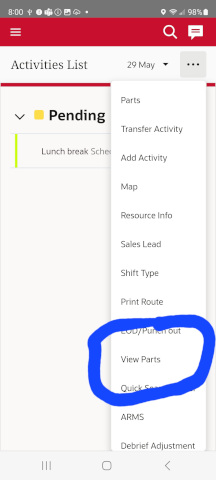
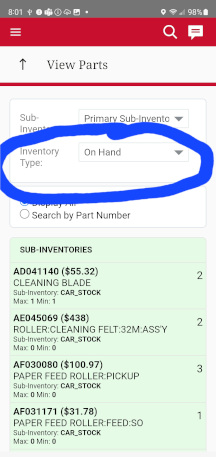
Click the
Inventory Type
drop down and selectOn Hand
Select
Display All
and highlight your inventory items and copy.DO NOT
copy theSub-Inventories
header!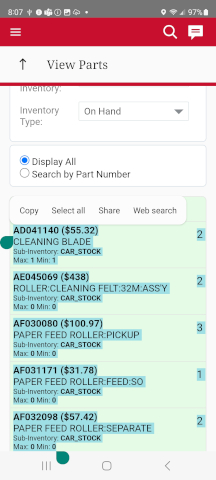
Paste into the box displaying